
 English
 русский
 Español
No. 200 Gaoxin RD, Shanghua St, Lanxi, Zhejiang, P. R China
CNC machine tools sliding doors rack pinion gear is a mechanical trans...
See DetailsWhen a Precision Rack Pinion drive starts making more noise than usual, grease isn't always the answer. Maybe the rack has collected metal dust. Maybe a mounting bolt has worked loose, or the pinion no longer sits correctly against the teeth. Adding lubricant without checking what changed can leave the real problem untouched.
These drives are used in industrial automation to move machine axes, gantries, and workpieces along a straight path. Some run occasionally; others move almost continuously through a production shift. Their maintenance needs can be quite different.
Regular lubrication helps protect the teeth, but keeping a precision rack and pinion system running well also means watching for dirt, checking alignment, and noticing small changes before they become expensive repairs. Here's what maintenance teams and equipment operators should pay attention to.
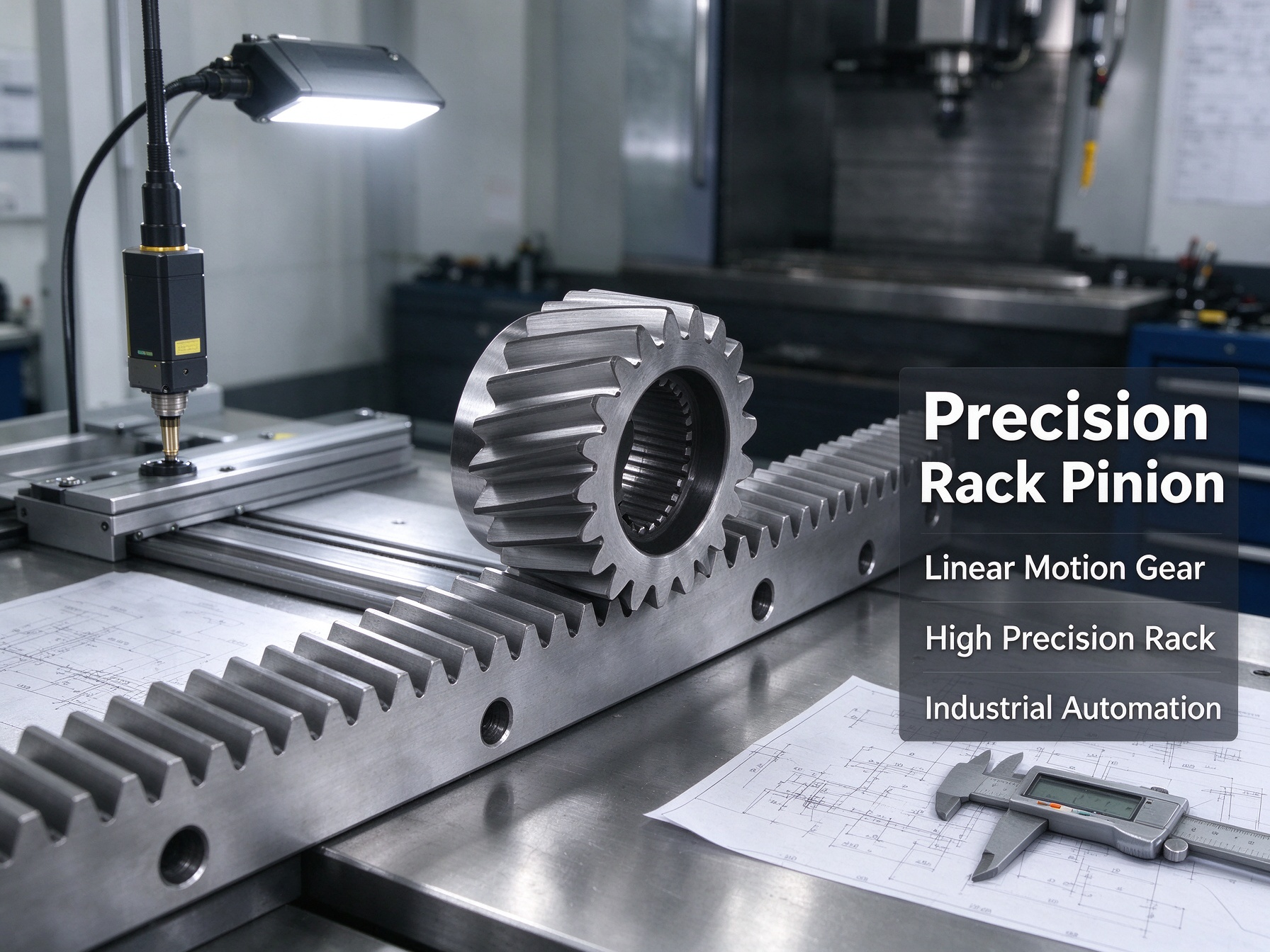
Not every industrial grease suits a rack and pinion drive. Some systems require grease, others use oil, and some have an automatic lubrication unit fitted along the rack. The manufacturer's instructions should settle the choice.
Why be so particular? Because lubricants that look almost identical can behave differently. Their base oils, thickeners, viscosity, additives, and compatibility with seals or plastic parts may not be the same.
Before putting anything on the rack, check a few things.
Load and speed: A heavily loaded axis that accelerates and reverses frequently puts different demands on the lubricant from a slow, lightly loaded drive.
Temperature: Grease needs to work within the machine's operating temperature range. A product that becomes too thick or loses its properties under heat can cause problems.
Surrounding conditions: Metal chips, dust, coolant, moisture, and washdown water can contaminate lubricant or affect how well it protects the teeth.
Nearby components: Check compatibility with seals, wipers, coatings, and plastic parts.
Clean production areas: Food, pharmaceutical, and other sensitive applications may have specific rules for lubricant selection and contamination control.
Changing lubricant without checking compatibility is asking for trouble. Some greases don't mix well; combining them may cause separation or changes in consistency.
If a different product is needed, follow the manufacturer's procedure for removing the existing lubricant before refilling the system. Don't simply add a new grease on top and assume the mixture will work.
A rack can look greasy and still have poorly lubricated contact surfaces. What matters is whether the lubricant reaches the working tooth flanks where the rack and pinion mesh under load.
With manual lubrication, start by stopping the machine and isolating its movement according to the site's safety procedures. Remove loose dirt using an approved method, then apply the specified lubricant at the recommended points and in the required quantity.
Long racks deserve a closer look. It's easy to lubricate the section near the operator and miss parts farther along the axis. Check the full travel length where access permits, especially if the pinion spends more time in certain areas.
There's no need to turn cleaning into another source of damage. Blasting the rack with compressed air can drive grit into bearings, seals, sensors, and the tooth mesh. Scraping hardened deposits with a metal tool may also damage the tooth surface or its protective treatment.
If old grease has become hard or packed with debris, use a cleaner approved for the equipment and surrounding materials. Remove the residue before applying fresh lubricant.
After lubrication, look at how the lubricant sits on the teeth. Dry patches, heavy lumps, or grease pushed away from the contact zone deserve attention. A shiny surface alone doesn't prove that the drive is adequately protected.
There's no useful maintenance interval that applies to every rack and pinion system. A machine running a few cycles a day in a clean enclosure has different needs from an axis that travels long distances all shift in a dusty factory.
Start with the manufacturer's recommended interval. Then compare it with what you see during routine inspections. If lubricant is disappearing quickly, the rack repeatedly looks dry, or contamination builds up between services, investigate why before simply shortening the interval.
Several things can change how often a drive needs attention:
An axis that travels long distances every day may need more frequent checks than one that moves occasionally.
Heavy loads and repeated acceleration can increase the demands on the tooth contact surfaces.
Heat, moisture, coolant, and abrasive dust can affect the lubricant.
Vertical or exposed installations may distribute lubricant differently from enclosed horizontal systems.
Automatic lubrication equipment can fail through blocked lines, low reservoir levels, pump faults, or incorrect metering.
One mistake is to extend the interval just because the teeth still look shiny. The opposite mistake is to keep adding grease as a precaution. Neither approach tells you whether the lubricant is doing its job.
Make changes gradually and record the reason. If the rack shows more wear after an interval change, those records will help you decide what to do next.
For an accessible rack with a modest duty cycle, manual lubrication may be all that's needed. It's relatively simple, and there's no pump or network of delivery lines to maintain. The downside is that consistency depends on the person doing the work.
Long racks can be awkward to cover evenly, and a missed section may not be noticed until the drive begins to wear.
An automatic lubrication system delivers measured amounts to selected points at planned intervals. This can be useful on high-duty machines or where parts of the rack are difficult to reach. But automatic equipment needs checking, too. A pump can run while a blocked line prevents lubricant from reaching the teeth.
|
Maintenance consideration |
Manual lubrication |
Automatic lubrication |
|---|---|---|
|
Initial cost |
Usually lower |
Higher due to pumps, lines, and controls |
|
Lubrication consistency |
Depends on the procedure and technician |
Can be more repeatable when delivery is verified |
|
Long or hard-to-reach racks |
More difficult to cover evenly |
Can supply designated points along the axis |
|
Common problems |
Missed sections and uneven quantities |
Blocked lines, empty reservoirs, or pump faults |
|
Routine maintenance |
Cleaning and applying lubricant |
Reservoir checks, line inspection, and delivery checks |
For an automatic system, check the reservoir, lines, fittings, and actual lubrication pattern according to the supplier's instructions. Don't treat a controller signal as proof that lubricant has reached the rack.
Fine dust and metal chips can work their way into the tooth mesh. Mixed with grease, they form a dirty paste that can accelerate wear rather than protect the surfaces.
A lint-free cloth, soft brush, or approved cleaning method is usually a sensible starting point. Avoid aggressive solvents unless the manufacturer confirms that they're safe for the rack's coatings, seals, and nearby plastic parts. Once the surface is clean, apply the specified lubricant again and check that guards and wipers are correctly fitted.
If the rack gets dirty again a day after cleaning, look beyond the rack itself. A coolant nozzle may be spraying in the wrong direction, a chip guard may be damaged, or dust from another operation may be settling on the drive.
Covers and bellows can help in harsh environments, but they need to suit the installation. A cover that traps chips or stops technicians inspecting the rack can create a different problem.
In other words, cleaning is useful, but stopping contamination at its source is usually less work in the long run.
A rack and pinion drive can be properly lubricated and still wear unevenly if its components aren't aligned correctly.
The rack may have been mounted out of line, a fastener may have loosened, or the pinion may be engaging the teeth too tightly. A shifting rack joint or misaligned gearbox can also create trouble.
Operators may notice louder movement, rising motor current, extra heat, or positioning errors that weren't there before. If these symptoms return shortly after lubrication, check the geometry rather than applying more grease.
During planned maintenance, inspect the mounting bolts, rack joints, pinion supports, gearbox, and couplings. Look for loose hardware, visible movement, or signs of wear near the mounting surfaces.
If the design specifies backlash or pinion engagement, measure it using the manufacturer's procedure. Don't adjust the pinion simply by listening to the noise or judging how the axis feels. Too much engagement can increase friction and wear; too much clearance can create lost motion and reduce positioning accuracy.
Record measurements before making changes and check them again afterwards. If the adjustment procedure isn't clear, involve qualified maintenance or engineering staff. On a precision axis, a small mounting change can affect repeatability.
Most drives show some warning before a serious failure, even if the signs are easy to overlook during a busy shift.
|
What you notice |
Possible causes |
What to investigate |
|---|---|---|
|
More noise or vibration |
Poor lubrication, contamination, misalignment, or damaged teeth |
Lubricant condition, tooth contact, bearings |
|
Higher motor current or temperature |
Increased friction, binding, or excessive preload |
Load, alignment, and motion-system components |
|
Growing backlash or positioning errors |
Tooth wear, loose mounting, coupling movement, or control issues |
Mechanical measurements and mounting security |
|
Unevenly polished tooth surfaces |
Inconsistent engagement |
Rack alignment and pinion position |
|
Pitting, scoring, rust, or chipped teeth |
Surface damage or advanced wear |
Detailed inspection and possible replacement |
|
Dirty or discolored grease |
Contamination or wear |
Lubrication conditions and nearby sources of debris |
These symptoms don't always point to a single cause. Compare them with machine alarms, operating history, and the condition of related bearings and gearboxes.
If teeth are cracked, chipped, or visibly damaged, stop the drive and follow the site's safety procedures for inspection. Continuing to run it just to see whether the noise goes away can make the damage worse.
A checklist only helps if technicians know what they're checking and what to do when something looks wrong. Keep it specific to the actual rack and pinion system, using the manufacturer's limits and procedures.
|
When to check |
What to look at |
What to record |
|---|---|---|
|
Routine machine checks |
Noise, dirt, low lubricant, leaks, and alarms |
Unusual changes and follow-up actions |
|
Scheduled lubrication |
Correct product, quantity, coverage, and delivery point |
Date, lubricant, amount, and technician |
|
Planned maintenance |
Tooth condition, fasteners, rack joints, wipers, guards, and lubrication lines |
Measurements or photos where useful |
|
After a collision, overload, or major repair |
Tooth damage, alignment, backlash, and couplings |
Inspection results before restarting |
|
After changing lubricant or settings |
Compatibility, distribution, temperature, and drive behavior |
Updated maintenance instructions |
Avoid vague notes such as "rack checked" without any details. Record the measurement, photograph the damaged area, or note which section needs attention. That gives the next technician something useful to work from.
It's also important to decide who handles problems that fall outside routine maintenance. If backlash exceeds the specified limit or teeth show damage, the checklist should make clear when the drive needs further assessment rather than another round of lubrication.
Lubrication isn't the only thing that affects service life. Overloading, aggressive acceleration, collisions, and travel beyond the designed stroke can damage teeth or loosen mounting hardware.
Check that the drive is suitable for the actual load, speed, acceleration, and duty cycle. If production demands have increased since the machine was installed, engineering may need to review the system's capacity.
Keep records of lubrication changes, backlash readings, unusual noise, motor current, repairs, and replacement parts. Over time, these details can reveal a pattern. For example, if the same rack section repeatedly looks dry, the lubrication delivery or tooth contact may need attention. If noise returns soon after alignment work, review the mounting procedure instead of repeating the same adjustment.
Use the manufacturer's documentation for lubricant selection, quantities, inspection limits, and adjustment methods. Where positioning accuracy is critical, have qualified personnel verify the axis after maintenance before releasing it back to production.
After maintenance, check that guards and wipers are back in place, tools have been removed, and the correct lubricant has been applied. Run the axis using the approved procedure and watch for unusual noise, resistance, leaks, or alarms.
Confirm homing and positioning accuracy where required before resuming normal production.
A rack and pinion system doesn't need constant tinkering. It needs the correct lubricant, protection from dirt, sound alignment, and inspections that catch changes early. Keep useful records and investigate unusual symptoms instead of covering them up with more grease. That approach makes maintenance decisions clearer and helps avoid unnecessary production stops.
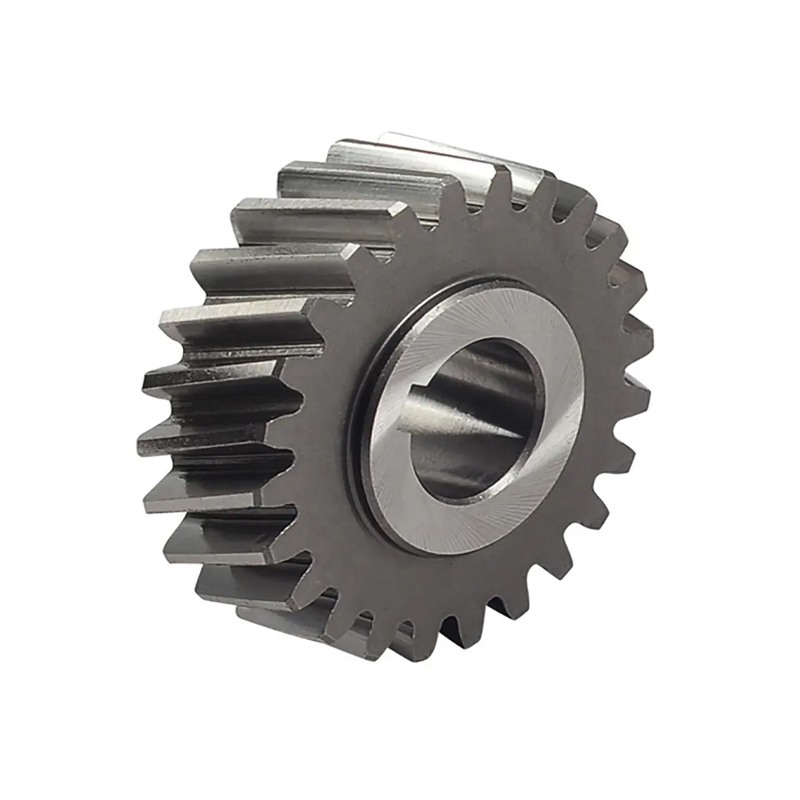
CNC machine tools sliding doors rack pinion gear is a mechanical trans...
See Details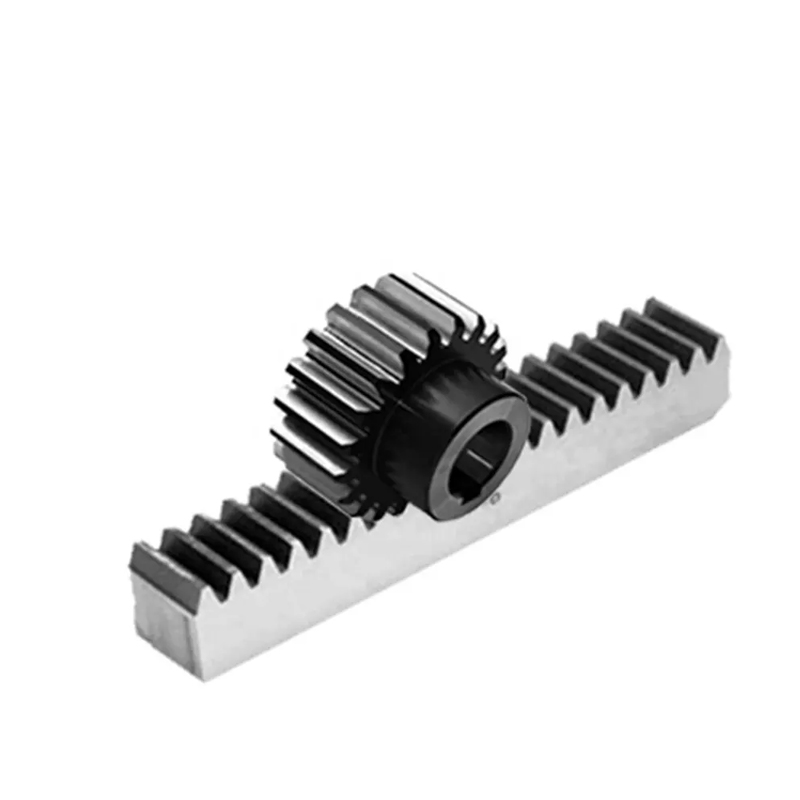
The Rack Pinion Gear for automatic door openers is a crucial component...
See Details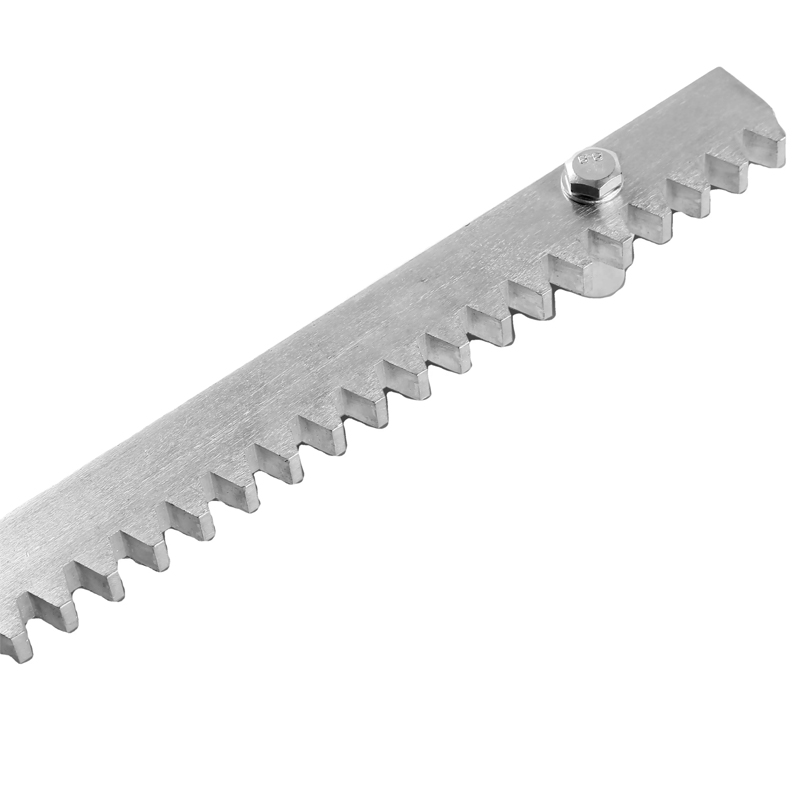
The Mounting Holes Sliding Door Steel Gear Rack is a critical componen...
See Details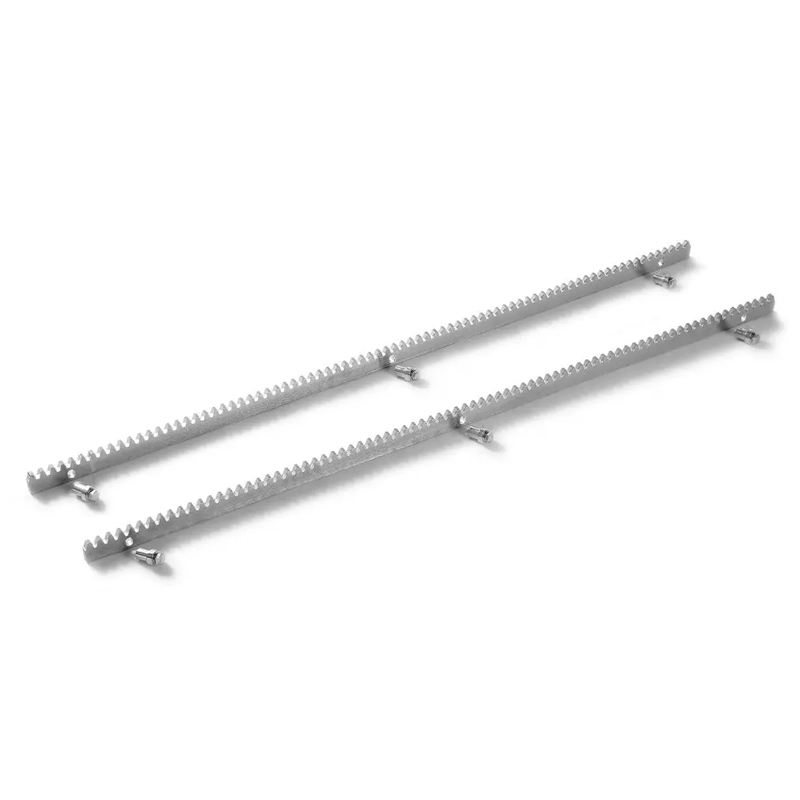
The Durable High-Quality Sliding Door Steel Gear Rack is a versatile a...
See Details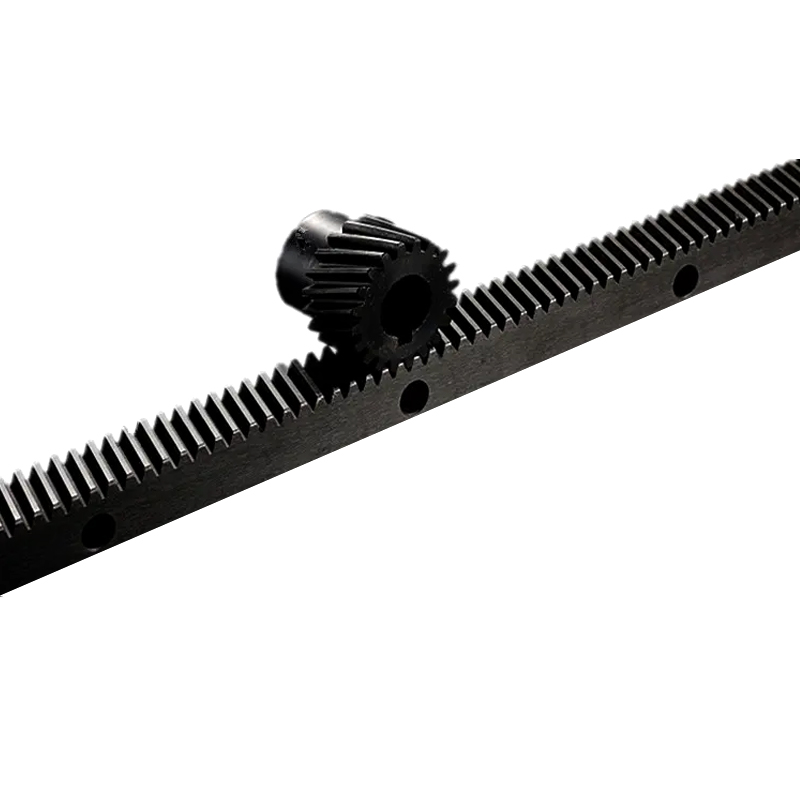
Linear precision guides helical gear rack is a transmission component ...
See Details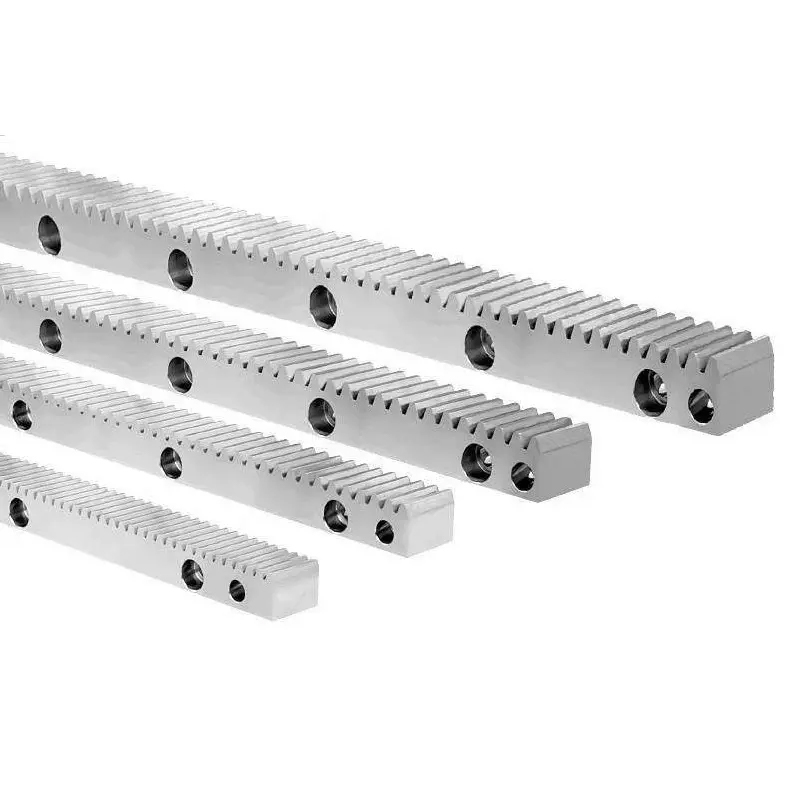
New Durable Custom Helical Gear Rack is a mechanical transmission ...
See Details
Industrial Wear-Resistant Straight Gear Rack is a linear transmission ...
See Details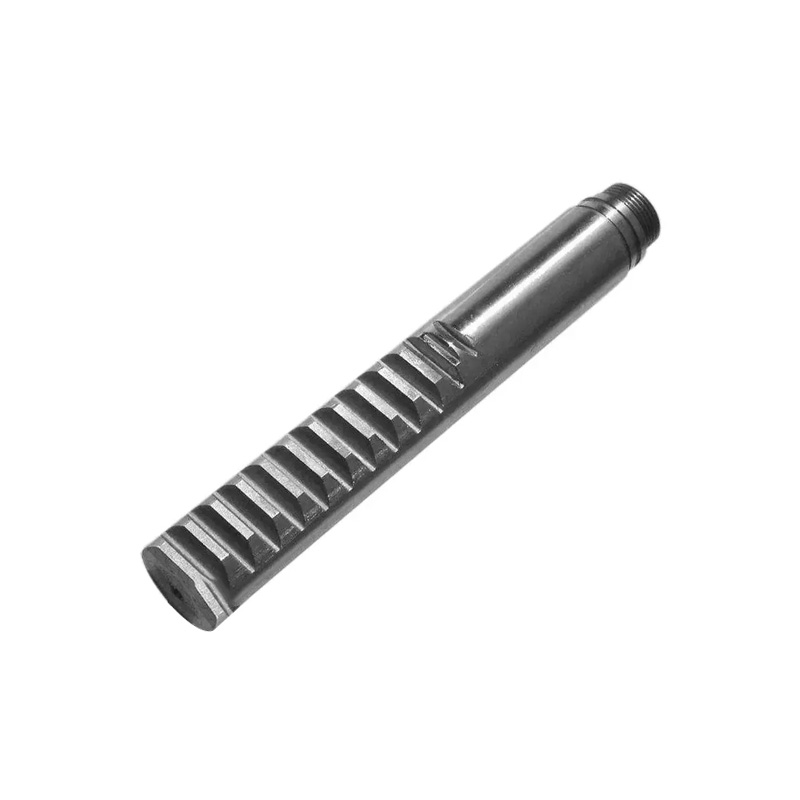
The Cylindrical Black Stainless Steel Straight Gear Rack is a durable ...
See Details
